
The best cycling watch for gps tracking is the one that stays accurate under trees and tall buildings, lasts through your longest ride, and gives you the training data you will actually use, not just a long spec list.
If you have ever finished a ride and seen a “spaghetti” GPS track, or your battery died halfway through a century, you already know why this category feels tricky, most watches look similar until you live with them. In 2026, the gap is less about raw GPS chip quality and more about how each brand handles maps, sensors, training load, and day-to-day usability.
This guide helps you narrow choices by rider type, budget, and what you track on every ride. You will also get a quick self-check list, a comparison table, and practical setup tips so your first week with a new watch feels smooth.
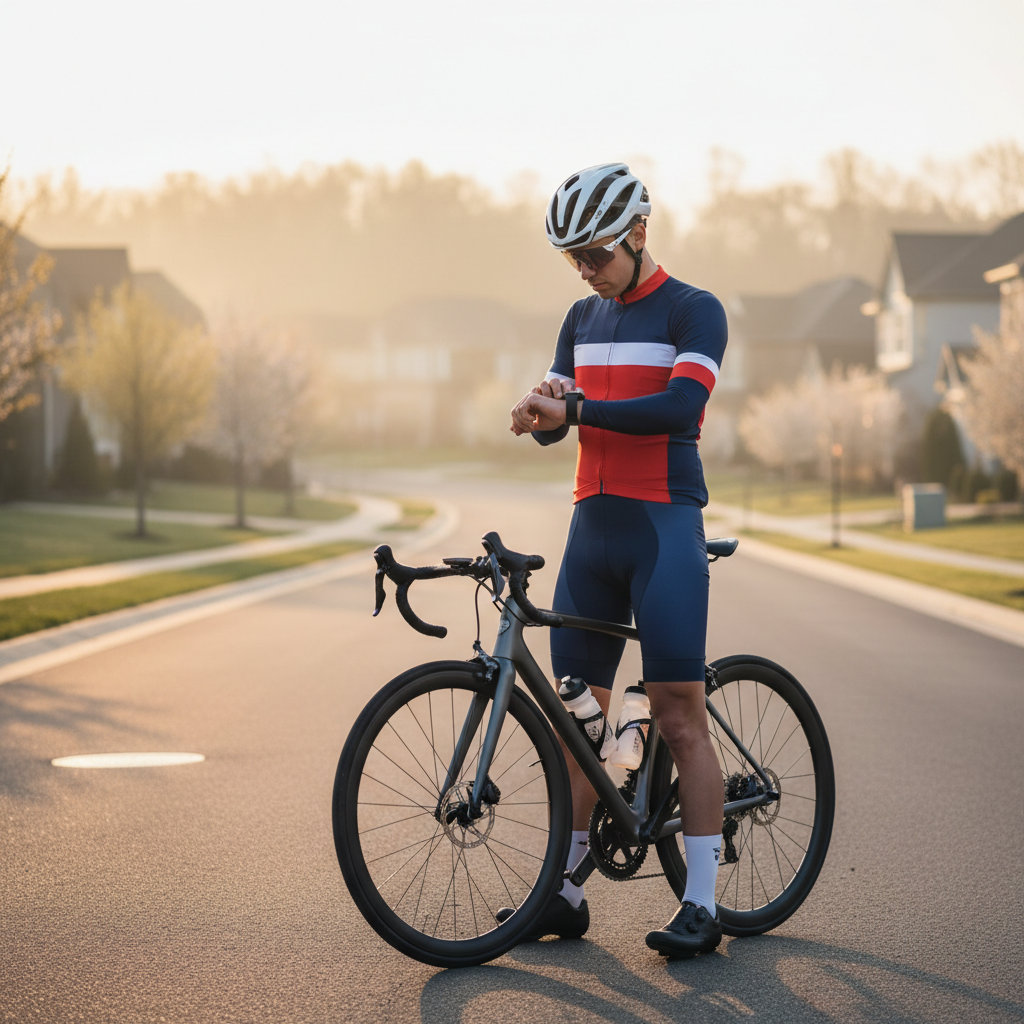
What really matters in a GPS cycling watch in 2026
Most people shop on brand and battery, then regret it when day-to-day details get annoying. For GPS-focused cycling, these tend to decide whether you love the watch or tolerate it.
- GPS reliability where you ride: tree cover, canyons, dense city blocks, and fast switchbacks expose weak tracking.
- Battery in real usage: multi-band GPS, maps, music, and always-on display can cut runtime more than expected.
- Mapping and navigation: breadcrumb vs turn-by-turn, rerouting quality, offline maps, and how readable it is mid-ride.
- Sensor ecosystem: HR strap, power meter, cadence, speed sensor, electronic shifting, indoor trainers.
- Training analytics you trust: load, recovery, intervals, and how cleanly it syncs into your coaching or apps.
- Comfort and screen: gloves, sweat, rain, and vibration can make touchscreens frustrating, buttons still matter.
According to Garmin, multi-band GNSS can improve positioning in challenging environments, which is why many newer models push it as a headline feature. In practice, it helps most when your routes include heavy canopy or tall buildings.
Quick self-check: which type of rider are you?
If you identify your “non-negotiables” now, you avoid paying for features you will not touch. This is also the fastest path to picking the best cycling watch for gps tracking for your own routes.
Pick the profile that fits you most days
- Weekend explorer: wants accurate tracks, simple navigation, solid battery, easy Strava upload.
- Structured training rider: cares about intervals, HR zones, power metrics, recovery and load trends.
- Gravel and adventure: needs offline maps, strong GPS under canopy, big battery, dependable rerouting.
- Tri/Multisport: wants seamless sport switching, swim/run metrics, and “all-in-one” simplicity.
- Commuter: values readability, alerts, safety features, and quick start/stop without fuss.
A simple “yes/no” checklist
- Do you ride 3+ hours often and use navigation?
- Do you rely on a power meter or plan to add one soon?
- Do you ride in places where GPS usually struggles, like dense trees or downtown corridors?
- Do you want the watch to double as a daily wearable for sleep and recovery?
- Will you wear it with gloves and in rain?
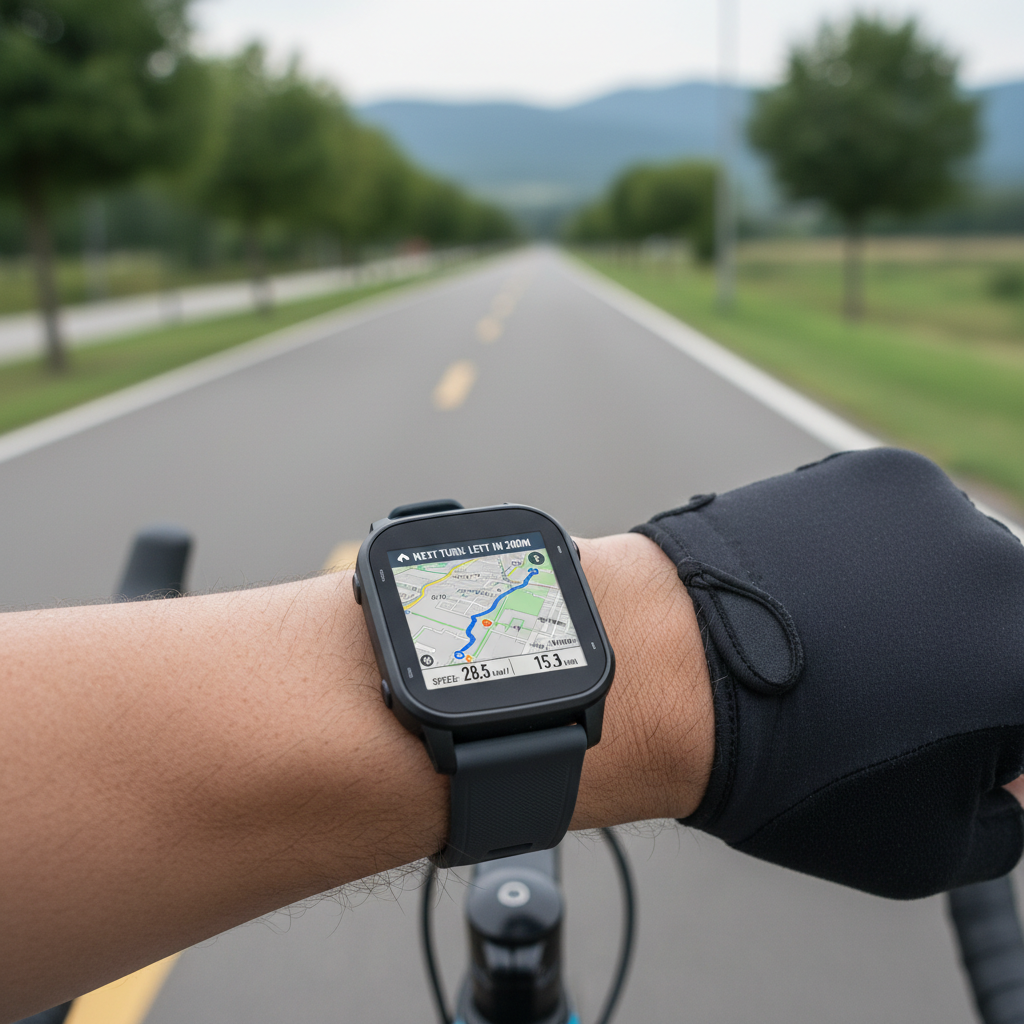
2026 comparison table: how to narrow your shortlist fast
Instead of naming a single “winner” for everyone, this table helps you match priorities to a watch class. Model lines change, but these buckets stay fairly consistent year to year.
| Watch class | Best for | GPS & maps | Battery focus | Trade-offs |
|---|---|---|---|---|
| Premium multisport flagship | Adventure + structured training | Often multi-band, strong mapping | High, especially in GPS-only modes | Cost, size, learning curve |
| Mid-range performance watch | Most cyclists who train | Strong GPS, lighter navigation | Good, usually enough for long rides | Fewer map features, less “luxury” build |
| Lightweight race watch | Racing, minimalist feel | Accurate tracking, limited maps | Moderate | Smaller screen, fewer extras |
| Value GPS fitness watch | Tracking basics + budget | Good open-sky performance | Varies | Navigation and analytics can feel thin |
If navigation matters, prioritize screen readability and the quality of rerouting, not just “has maps.” If training matters, look at how the watch presents trends over weeks, not only per-ride numbers.
How to choose the best cycling watch for gps tracking by scenario
Here is the practical way to decide, based on what typically causes regret after purchase.
If your biggest issue is GPS accuracy
- Favor watches with multi-band GNSS support, especially for tree cover or urban routes.
- Check whether you can set GPS to an “auto-select” or “best accuracy” mode, and what battery hit that creates.
- Look for strong sensor fusion features, some brands blend accelerometer and GPS to smooth tracks.
If you rely on navigation and exploration
- Pick a watch with offline maps and turn-by-turn prompts you can read while moving.
- Make sure it supports easy route imports from your usual tools, like Strava, Ride with GPS, or Komoot.
- Consider physical buttons for zoom and page changes, touch can be finicky with sweat or gloves.
If you train with power and structure
- Confirm support for power meter pairing and cycling dynamics if you care about them.
- Look for interval workflows: structured workouts, alerts, lap handling, and clear post-ride summaries.
- Choose a platform that plays well with your coaching stack, exporting cleanly matters more than people admit.
If you want one device for bike + daily health
- Pay attention to sleep tracking and recovery views, but keep expectations realistic, these are estimates, not medical advice.
- Make sure comfort works for all-day wear: case height, band options, and whether the sensor sits stable on your wrist.
According to Apple, users should not interpret heart health features as a substitute for professional medical advice, which is a good mindset for any wearable: great for trends, not a diagnosis.
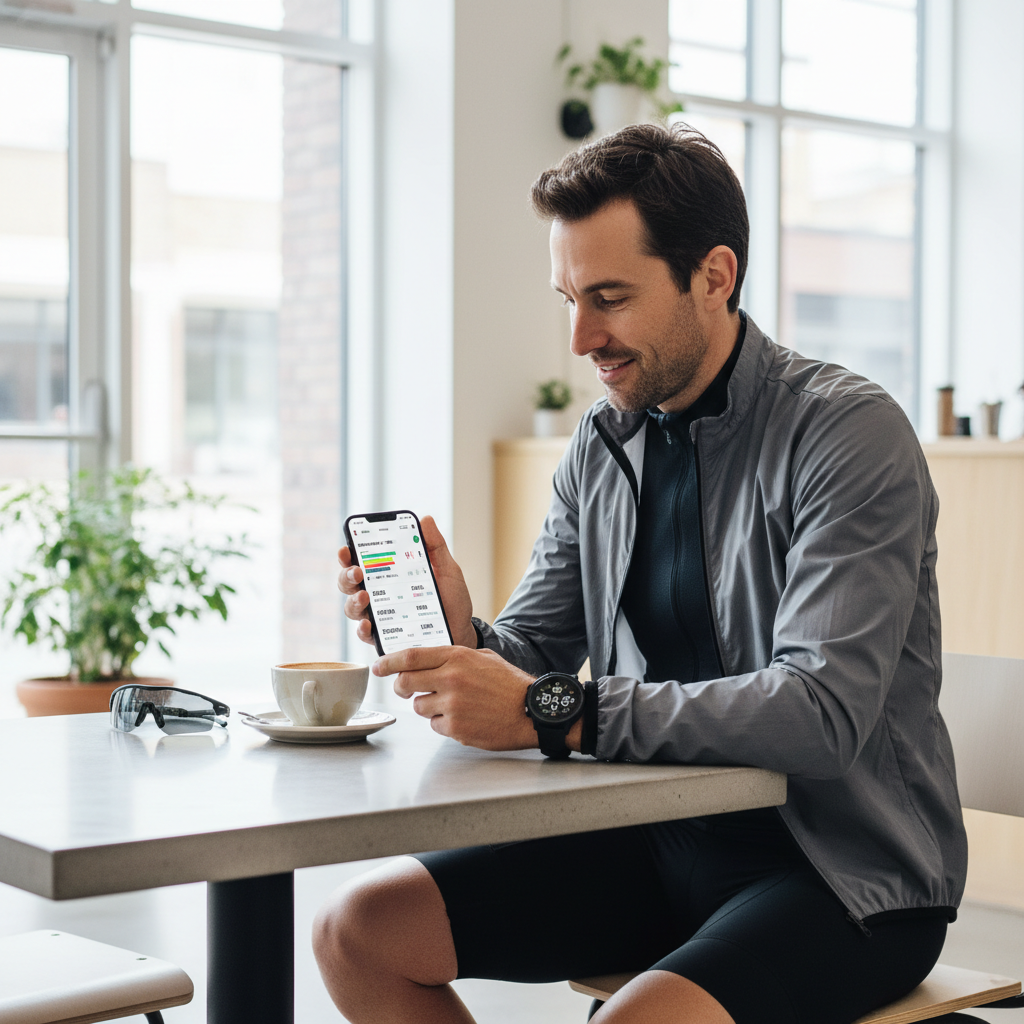
Setup tips that improve GPS tracking immediately
Even the best cycling watch for gps tracking can underperform if setup is sloppy. These steps usually deliver the biggest “why is this suddenly better?” improvement.
- Update firmware before your first long ride, GPS and sensor fixes often arrive quietly in updates.
- Enable the right GNSS mode for your routes: multi-band for difficult areas, standard GPS for open roads when you want battery.
- Give it a clean satellite lock: start the activity outside, wait a moment before rolling, especially after travel.
- Set recording to “every second” if you care about accurate corners and fast descents, some “smart” modes can smooth details.
- Calibrate sensors when relevant: power meter zero offset, wheel size for speed sensors, altitude calibration if you track climbing.
- Use a chest strap for interval-heavy rides if wrist HR behaves poorly for you, motion and sweat can reduce accuracy.
If your rides include long tunnels or dense downtown blocks, accept that all wrist devices can struggle sometimes. A dedicated bike computer may still be a better navigation screen, while the watch remains your backup and health tracker.
Common mistakes buyers make (and how to avoid them)
A lot of frustration comes from buying the “top” model but missing the small fit between device and routine.
- Overpaying for maps you will not use: if you always ride known routes, a simpler watch plus phone routing can be enough.
- Ignoring buttons vs touchscreen: if you ride with gloves, prioritize button control.
- Assuming battery claims match your usage: always-on display, multi-band GNSS, and frequent notifications can shrink runtime.
- Chasing perfect HR on the wrist: some people get great results, others do not, it depends on fit, skin, motion, and intensity.
- Not checking sensor compatibility: most modern power meters use ANT+ or Bluetooth, but edge cases exist, confirm before buying.
According to Strava, activity uploads and data fields depend on device and integration, so if your workflow revolves around a specific app, make sure the watch sync is straightforward before committing.
When it makes sense to get extra help
If you keep seeing wildly wrong elevation, inconsistent HR spikes, or GPS drift that does not match your friends’ tracks on the same route, a local bike shop or the watch manufacturer support can help you sort whether it is setup, a sensor issue, or a device problem.
If you use training load, recovery status, or HR-based zones to make decisions and you have health concerns, it may be worth discussing training plans with a qualified coach or healthcare professional. Wearables can guide habits, but they cannot replace individualized medical advice.
Conclusion: the smart way to pick your 2026 GPS cycling watch
The buying shortcut is simple: decide whether your priority is navigation, structured training, or all-day wear, then choose the watch class that matches it and set it up well on day one. That combination usually beats chasing the flashiest spec.
Key takeaways
- For tricky routes, multi-band GNSS is often worth it, but battery trade-offs are real.
- Navigation quality depends on maps, rerouting, and screen control, not just “supports routes.”
- Training value comes from consistency and clean integrations as much as any single metric.
If you want one next step, write down your top three ride scenarios, then compare watches only on the features that affect those scenarios. You will reach a confident shortlist fast.